
Focused productivity
Buy the application you need without overcomplicating the license.
Standalone Microsoft productivity applications, including Publisher. Designed for specialists who need a particular Microsoft desktop application.
Focused productivity
Standalone Microsoft productivity applications, including Publisher. Designed for specialists who need a particular Microsoft desktop application.
Match the operating system, hardware and architecture before comparing editions.
Confirm the user, device, server or installation count covered by the selected option.
Review the exact option, current USD pricing and fulfillment details on the original store.
Available selections
Visual product cards make edition, platform and delivery differences easier to scan before you open the full guide.
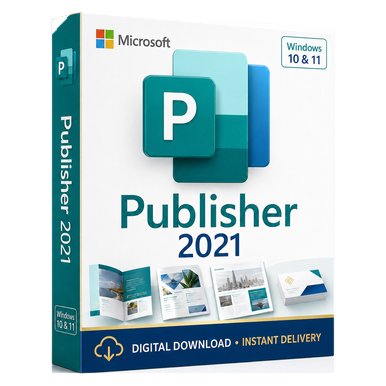 2021
Standalone desktop publishing for professional print layouts.
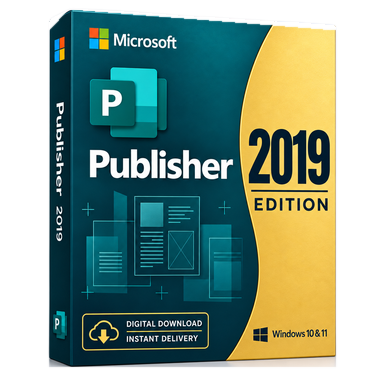 Legacy
Desktop publishing for established Publisher 2019 workflows.
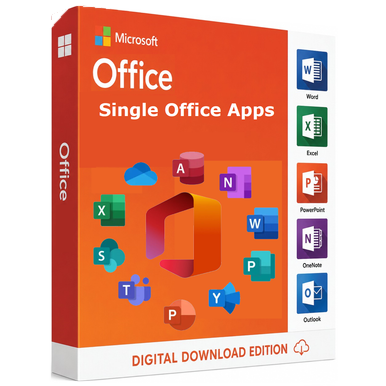 Microsoft
Add a standalone Microsoft productivity application for a compatible Windows workflow.
Why buyers consider Office Apps
Buy the application you need without overcomplicating the license. Use the catalog to narrow the field, then verify the complete source terms before ordering.
Review source optionsAssess how the product supports specialists who need a particular Microsoft desktop application.
Use application, platform, release and intended installation as the comparison framework.
Document compatibility and license assumptions before checkout.
Open the matching source page for current options and U.S.-dollar pricing.
Category questions
Practical answers for comparing Office Apps options before continuing to the seller.
Begin with application, platform, release and intended installation. Then compare the specific rights, supported environment and fulfillment terms on each source listing.
The range is organized for specialists who need a particular Microsoft desktop application. Each guide highlights platform, license model, compatibility and the corresponding source purchase path.
No. Current U.S.-dollar pricing, availability, option selection, payment and fulfillment are handled on Software Mart Australia.
Yes. Use the contact page and include the product family, device or server environment, user or device count, and the outcome you need.
Plain-English guidance and a direct path to current USD options.
Release, platform, license scope and system requirements in one place.
The exact seller and purchase destination remain visible before you leave.
Email, chat and eligible remote setup assistance for order-linked issues.
Need a second opinion?
Tell the support team your device, operating system and intended use. Complimentary email and chat guidance is available, with consent-based remote assistance for eligible installation and activation issues.